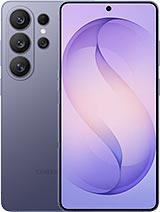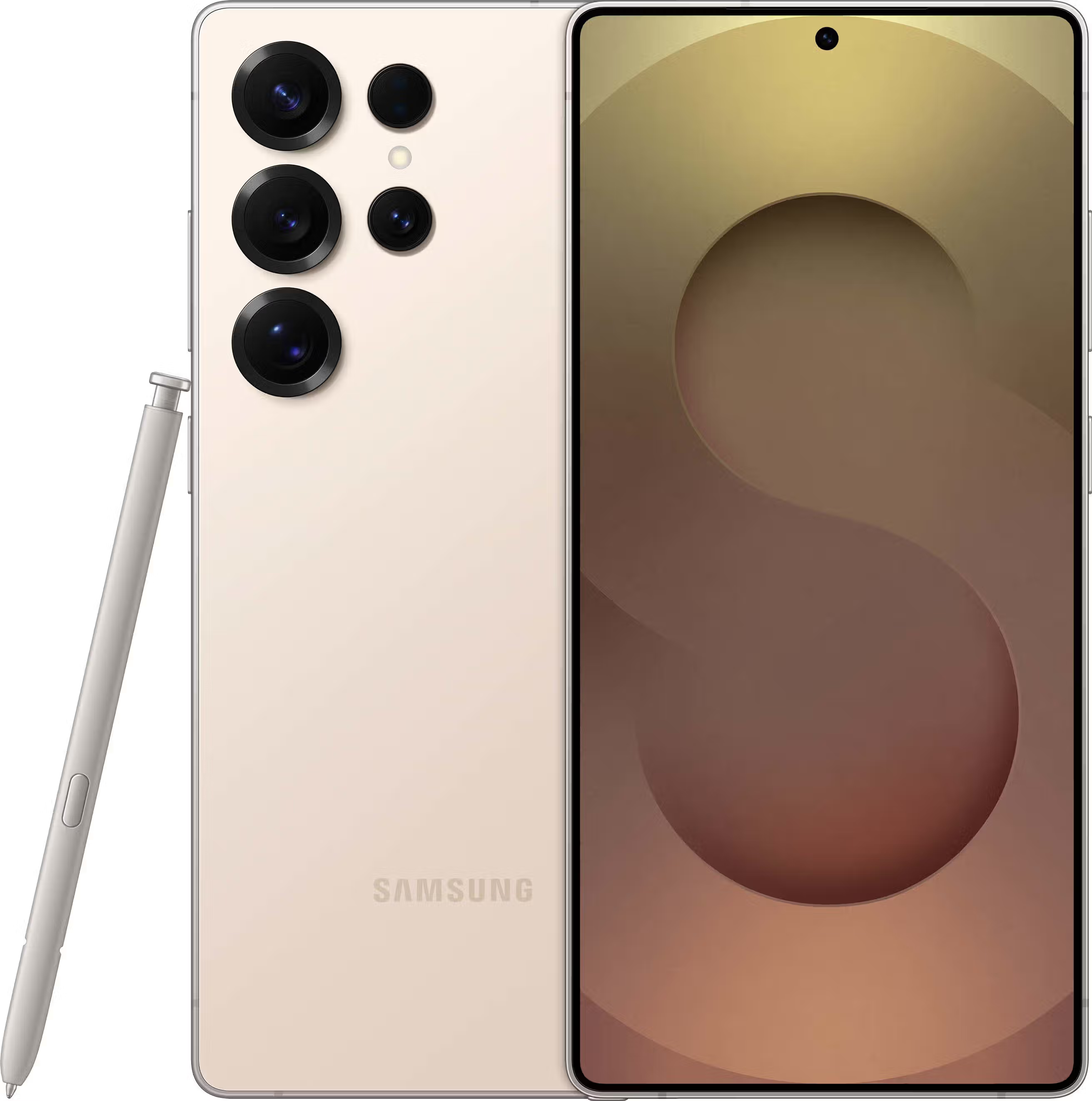
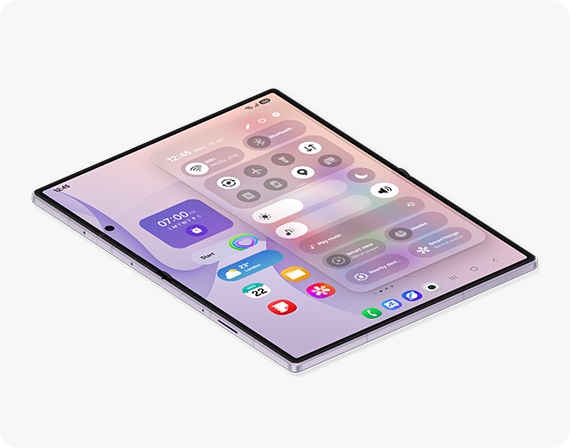
Samsung has introduced One UI 9, its latest software experience for Galaxy devices. Based on Android 17, the new version focuses on making Galaxy smartphones and foldables easier to use while adding more personalized Galaxy AI features.
One UI 9 brings improvements to the overall interface, artificial intelligence, photography, multitasking, accessibility and security. Samsung is also expanding the role of AI so that Galaxy devices can better understand what users are doing and suggest useful actions at the right time.
What Is Samsung One UI 9?
One UI is Samsung's custom Android software interface used across its Galaxy smartphones, tablets, foldables and other devices.
One UI 9 is based on Android 17 and introduces a combination of interface improvements and new Galaxy AI capabilities.
Samsung describes the new version as a more seamless and personalized experience, with AI features designed to help users complete everyday tasks with fewer manual steps.
The software is being introduced first on Samsung's latest flagship devices before gradually expanding to additional compatible Galaxy models.
One UI 9 Key Features
Here are some of the major features coming with Samsung One UI 9:
- Now Nudge
- Improved Now Brief
- Photo Assist
- My FanCam
- Enhanced Quick Panel
- Improved multitasking
- New accessibility features
- Better protection against suspicious applications
- Creative improvements in Samsung Notes
- More personalized Galaxy AI experiences
Let's look at the most important changes in detail.
Now Nudge: Galaxy AI That Suggests Your Next Action
Now Nudge is one of the headline Galaxy AI features in One UI 9.
Instead of requiring users to manually switch between applications, Now Nudge can understand information displayed on the screen and suggest relevant actions.
For example, if someone sends you a location in a message, Now Nudge can suggest opening it in a maps application. If a message contains a date and time, it can suggest adding the event to your calendar.
It can also provide suggestions when using messaging and social-media applications.
The idea is simple: rather than making users figure out what to do next, Galaxy AI can provide a useful shortcut based on what is currently happening on the screen.
Now Brief Gets More Personalized
Samsung's Now Brief is also receiving improvements with One UI 9.
Now Brief provides personalized information through cards based on the user's selected interests and daily routines.
Depending on the device and settings, it can show information related to schedules, reminders, weather, news, music, travel and other areas.
Samsung is also allowing users to customize the briefings they want to receive. Action buttons can provide shortcuts to tasks such as opening an app or getting directions to an event.
This makes Now Brief more than a simple information panel — it is designed to become a personalized snapshot of the user's day.
Photo Assist: Edit Photos Using Natural Language
One UI 9 also expands Samsung's AI-powered photo editing capabilities through Photo Assist.
Instead of manually searching through multiple editing controls, users can describe the change they want using natural language.
For example, users can describe the type of edit they want and let Galaxy AI generate the result.
Samsung also allows users to compare the original and edited images, making it easier to review the changes before saving the final photo.
Voice-based editing is also supported on compatible devices, allowing users to describe edits without typing everything manually.
My FanCam for Easier Video Editing
Another interesting feature is My FanCam.
It is designed to make it easier to create subject-focused videos after recording.
Users can select a person in a video and Galaxy AI can automatically reframe the footage around that person. This can be particularly useful when recording groups, sports events, family gatherings or performances.
Instead of manually cropping and repositioning the video, My FanCam can create a subject-centred version from the original footage.
Redesigned Quick Panel
One UI 9 also improves the Quick Panel, giving users more control over how frequently used controls are arranged.
Brightness, sound and media controls can be adjusted independently, while additional sizing options provide more flexibility.
The goal is to make commonly used settings easier to access and personalize according to individual preferences.
Better Multitasking on Galaxy Devices
One UI 9 also brings improvements for devices with larger or foldable displays.
Samsung has optimized the interface for different Galaxy form factors, including foldable smartphones.
On supported foldable devices, users can take advantage of more flexible split-screen layouts, while Samsung has also improved the DeX experience with additional window arrangement options.
These changes are particularly useful for people who use Galaxy devices for productivity and multitasking.
Samsung Notes Gets Creative Improvements
Samsung Notes receives new creative tools with One UI 9.
The application gains additional pen styles and decorative options that can be used when creating or customizing notes.
Samsung is also making it easier to access Creative Studio from Contacts, allowing users to create personalized profile cards without having to switch between applications.
Improved Accessibility Features
Samsung has also included several accessibility improvements in One UI 9.
The update introduces adjustable Mouse Key speed for improved cursor control.
Samsung is also combining TalkBack capabilities from Google and Samsung into a more integrated accessibility experience.
Another new feature called Text Spotlight can display selected text more prominently in a floating window, making it easier to read.
Stronger Security Against Suspicious Apps
Security is another important part of One UI 9.
Samsung says the software can provide warnings when high-risk applications are detected. Depending on the situation, the system can block installation or execution and recommend deleting potentially dangerous applications.
These additional protections are designed to help users stay safer as malicious and suspicious applications become more sophisticated.
One UI 9 and Galaxy AI
Galaxy AI is one of the biggest themes of One UI 9.
Samsung is moving beyond simple AI tools and attempting to make Galaxy devices more context-aware.
Features such as Now Nudge can understand what is displayed on the screen and suggest relevant actions, while Now Brief uses selected personal information and interests to provide customized information.
Photo Assist and My FanCam bring AI directly into photography and video editing.
Together, these features show Samsung's direction for Galaxy AI: making the phone more proactive instead of requiring users to manually perform every step.
Which Samsung Phones Will Get One UI 9?
Samsung is rolling out One UI 9 gradually rather than making the update available to every Galaxy device at the same time.
The latest Galaxy flagship devices receive the software first, followed by additional compatible Galaxy smartphones and tablets.
Samsung says the official One UI 9 rollout will expand to more Galaxy devices over time. However, AI features can vary depending on the device model, region and language.
Users can check their Galaxy device and update availability through the Samsung Members app and the software-update section in Settings.
One UI 9 vs One UI 8
| Feature | One UI 8 | One UI 9 |
| --------------------- | ------------------------------ | -------------------------------- |
| Android Base | Android 16 | Android 17 |
| Galaxy AI | Available | More personalized |
| Now Nudge | Limited/Not available | Yes |
| Now Brief | Available on supported devices | More personalized |
| Photo Assist | Available | Expanded capabilities |
| My FanCam | Not available | Yes |
| Quick Panel | Existing design | More customization |
| Accessibility | Existing features | New improvements |
| Security | Existing protection | Additional app threat protection |
| Foldable Optimization | Available | Further improvements |
Actual feature availability varies by Galaxy device, region and language.
Is One UI 9 a Major Update?
One UI 9 is more than a simple visual redesign.
Samsung is putting considerable emphasis on AI-powered assistance, with features designed to understand context and help users complete tasks.
The most noticeable changes will likely be experienced through Now Nudge, Now Brief, Photo Assist and My FanCam.
At the same time, improvements to the Quick Panel, accessibility, security and multitasking make the update useful even for people who do not regularly use AI features.
Final Verdict
Samsung One UI 9 represents another step toward a more intelligent and personalized Galaxy experience.
With Android 17 at its foundation, the software combines interface improvements with new Galaxy AI capabilities such as Now Nudge, improved Now Brief, Photo Assist and My FanCam.
For Samsung users, the most interesting change is the growing ability of Galaxy AI to understand context and suggest useful actions instead of simply waiting for commands.
As Samsung continues rolling One UI 9 to more Galaxy devices, the exact features available will depend on the device, region and language.
For Galaxy users upgrading to a compatible device, One UI 9 should offer a more capable, personalized and AI-focused Samsung experience.
Note: One UI 9 features and availability may vary by device model, country, region and language. Some Galaxy AI features may require a Samsung Account, internet connection or other requirements.
Source: Samsung Global Newsroom and Samsung official One UI information.
:::